

Using Insights
Ask questions about your organization's data using PomeLabs' built-in AI assistant.
Insights is PomeLabs' built-in AI assistant for organization administrators. It reads data from across your organization, students, sessions, and grading — so you can ask questions in plain language instead of digging through reports.
Opening Insights
In the left sidebar, under Admin's Desk, select Insights.
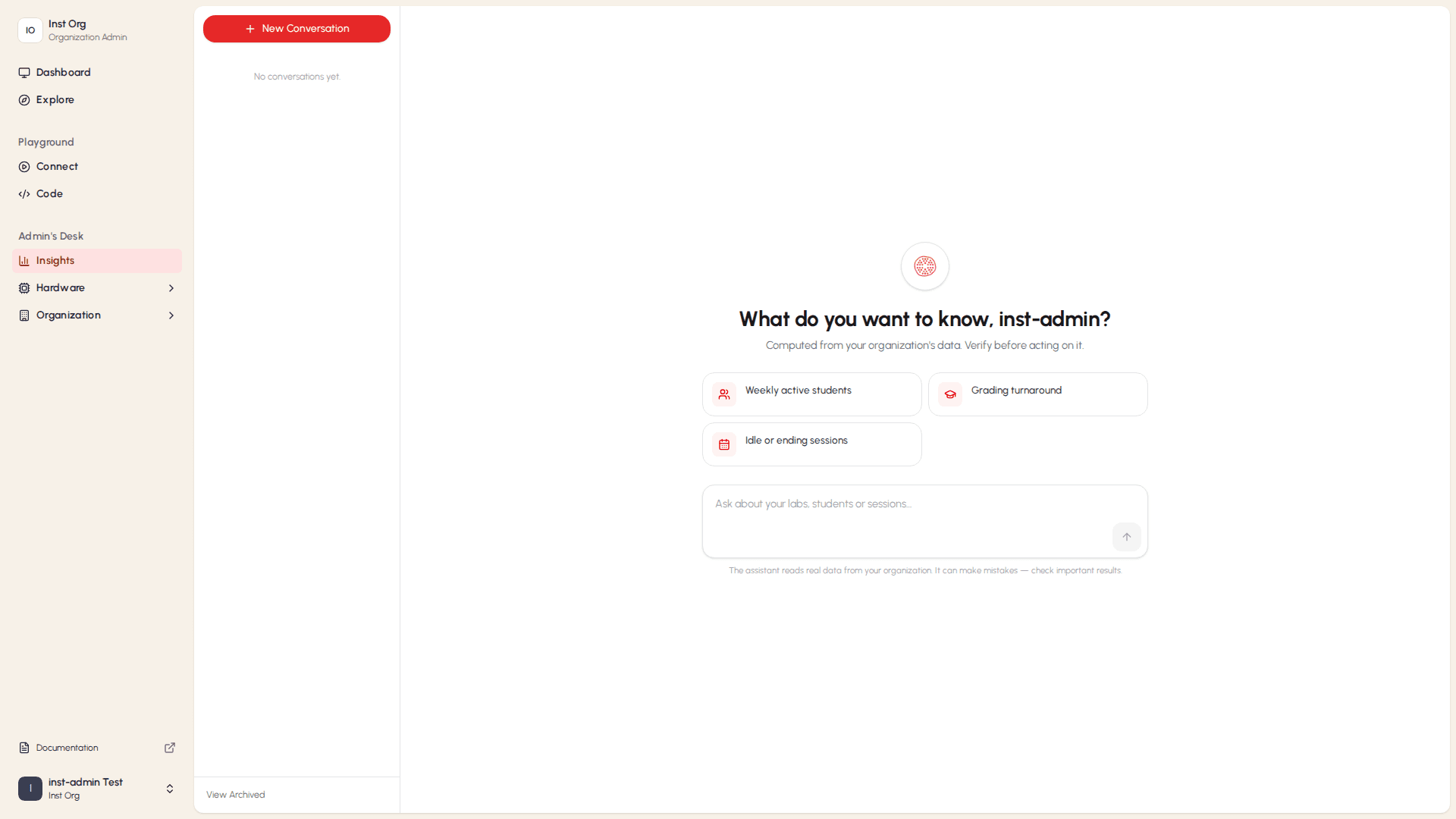
Insights opens to its home screen, showing What do you want to know, [your name]? and a set of suggested prompts.
Starting and Managing Conversations
The middle panel of Insights lists your conversations.

- To start a new conversation, select + New Conversation. The main panel returns to the What do you want to know? screen, ready for a new question.
- Once you've asked a question, your conversations appear in this list, grouped by date, the same way they do in the Assistant.
- To see conversations that are no longer shown in the main list, select View Archived at the bottom of the panel.
Asking Insights a Question
You can ask Insights a question in two ways: by selecting a suggested prompt, or by typing your own question.
Using a Suggested Prompt
On the Insights home screen, select one of the suggested prompt cards to send that question immediately.
| Prompt | What It Does |
|---|---|
| Weekly active students | Shows how many students have been active across your organization over the past week. |
| Grading turnaround | Shows how quickly submitted work is being graded. |
| Idle or ending sessions | Lists sessions that have little activity, or that are about to end. |
Typing Your Own Question
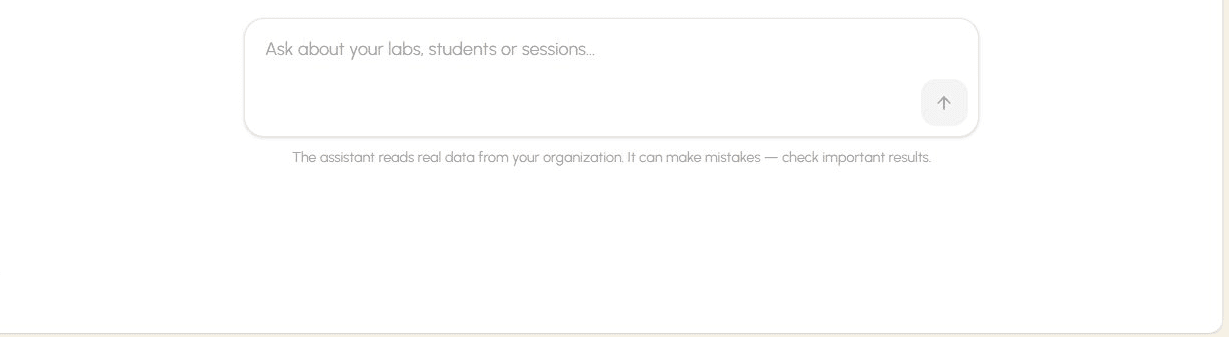
- Select the text field at the bottom of the Insights window.
- Type your question — for example, "How many active students do we have this week?"
- Select the up-arrow button, or press Enter, to send your message.
How is this guide?