

Creating and Managing Classes
Create, edit, and manage student classes within your organization.
Classes are how you group students in your organization. From the Classes page, you can see all existing classes, create new ones, and manage their students and settings.
Opening the Classes Page
In the left sidebar, under Organization, select Classes.
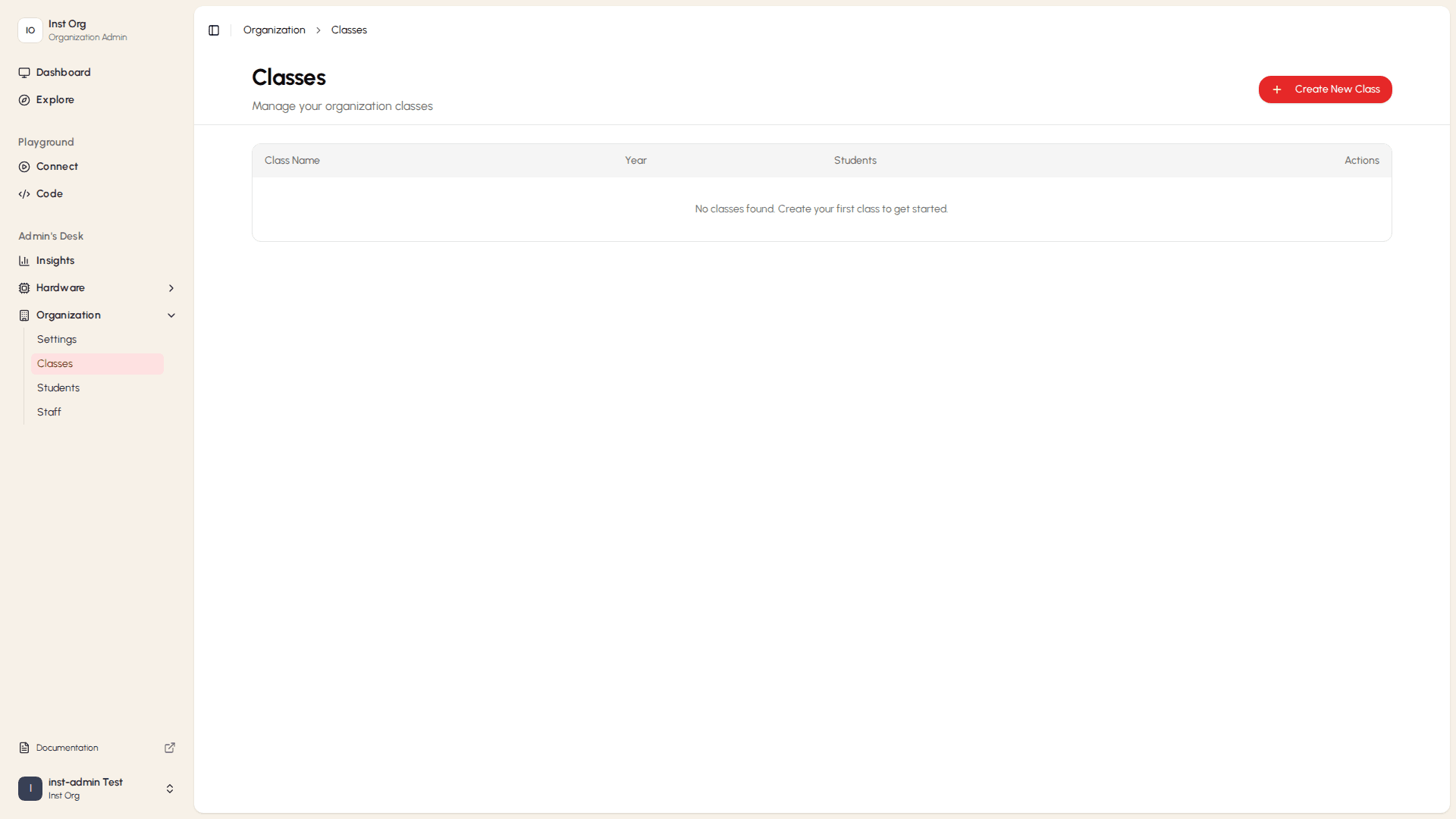
The table shows each class's name, academic year, and student count.
Creating a New Class
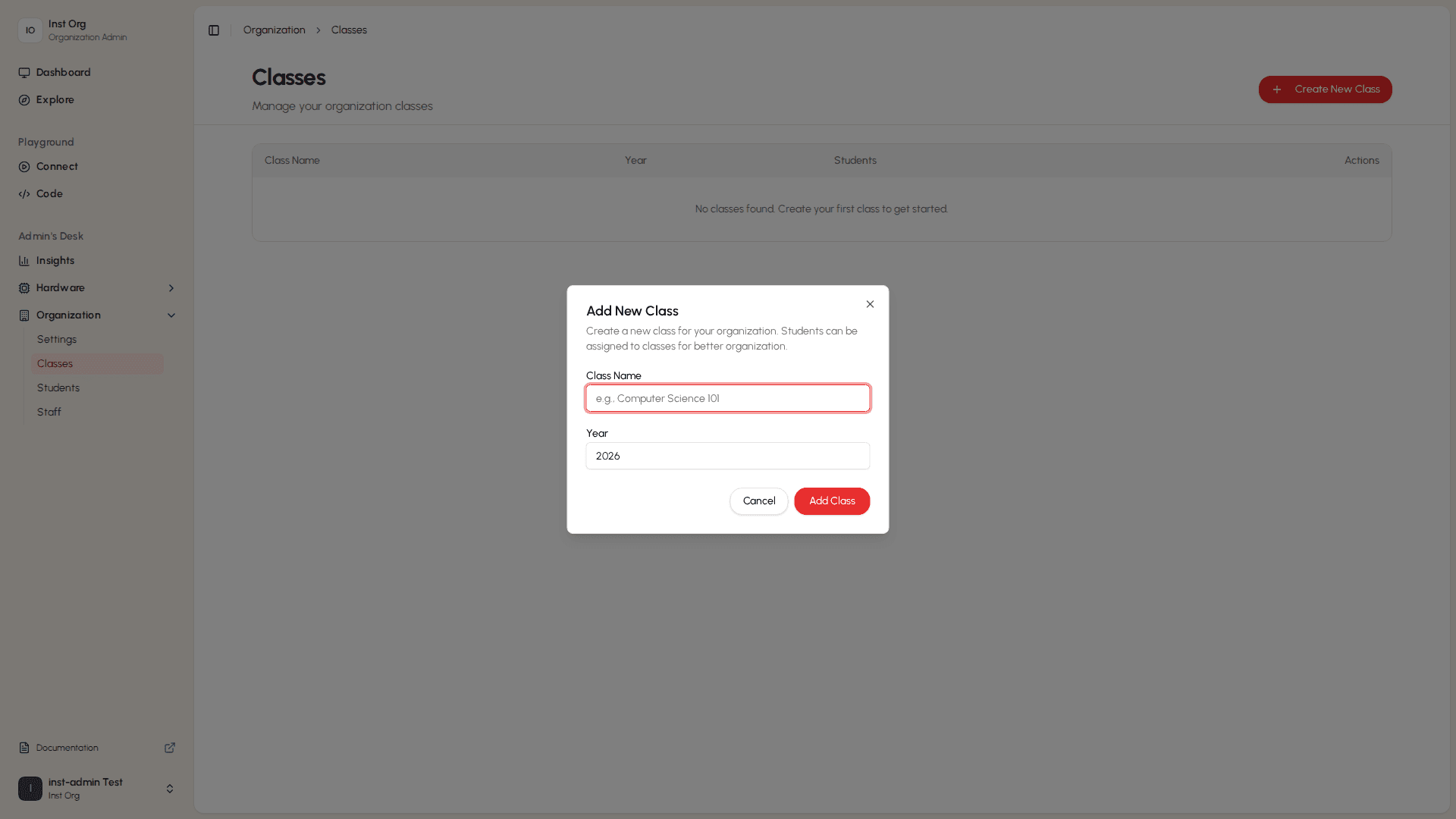
- On the Classes page, select + Create New Class.
- Fill in the class name and year.
- Select Save.
Managing an Existing Class
Select the ... button on any class row to open its actions menu. The menu gives you three options:
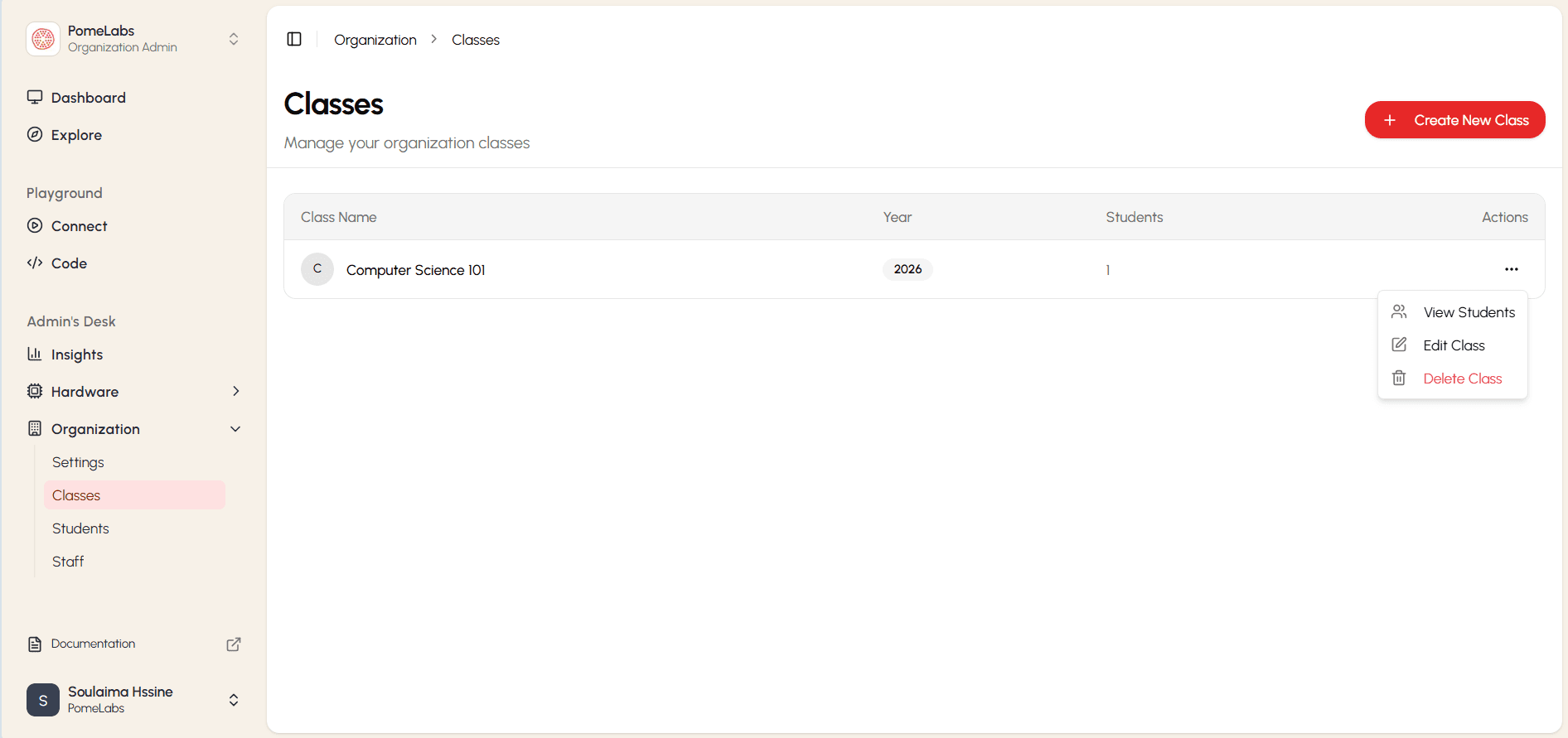
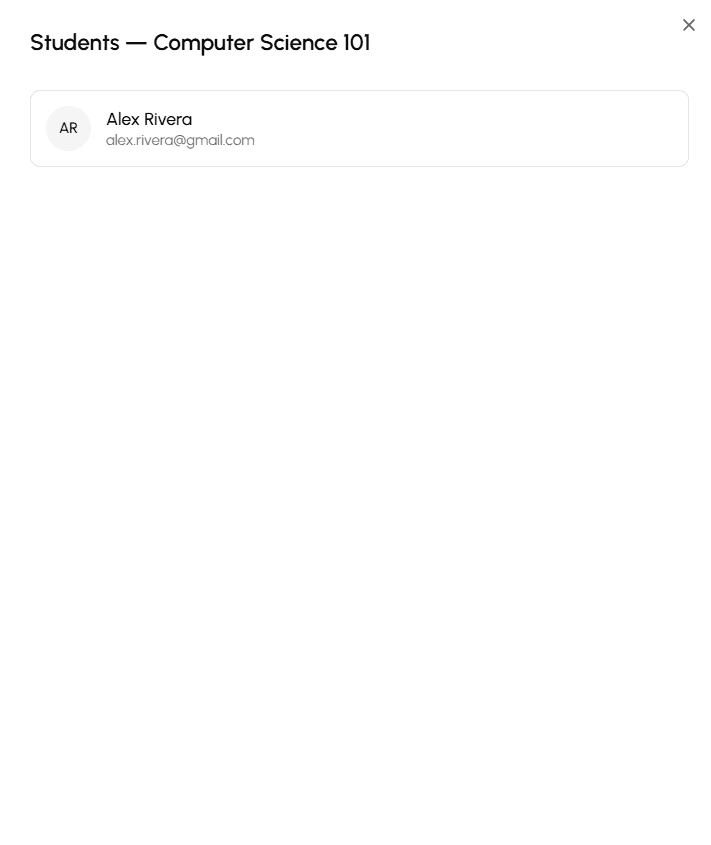
- View Students: Opens a list of the students currently enrolled in this class.
- Edit Class: Lets you update the class details (name, year).
- Delete Class: Permanently removes the class from your organization.
How is this guide?